
Put your own events on the timeline
Line up your router, store or socket events against Lit’s on the same time axis. Two calls, safe to leave in production code.
Register a layer
Section titled “Register a layer”Call addTimelineLayer once, at module scope. It is idempotent, so a hot patch
that re-runs the module is harmless.
import {LitElement, css, html} from 'lit';import {customElement, state} from 'lit/decorators.js';import {addTimelineEvent, addTimelineLayer} from 'virtual:lit-plugin/timeline';
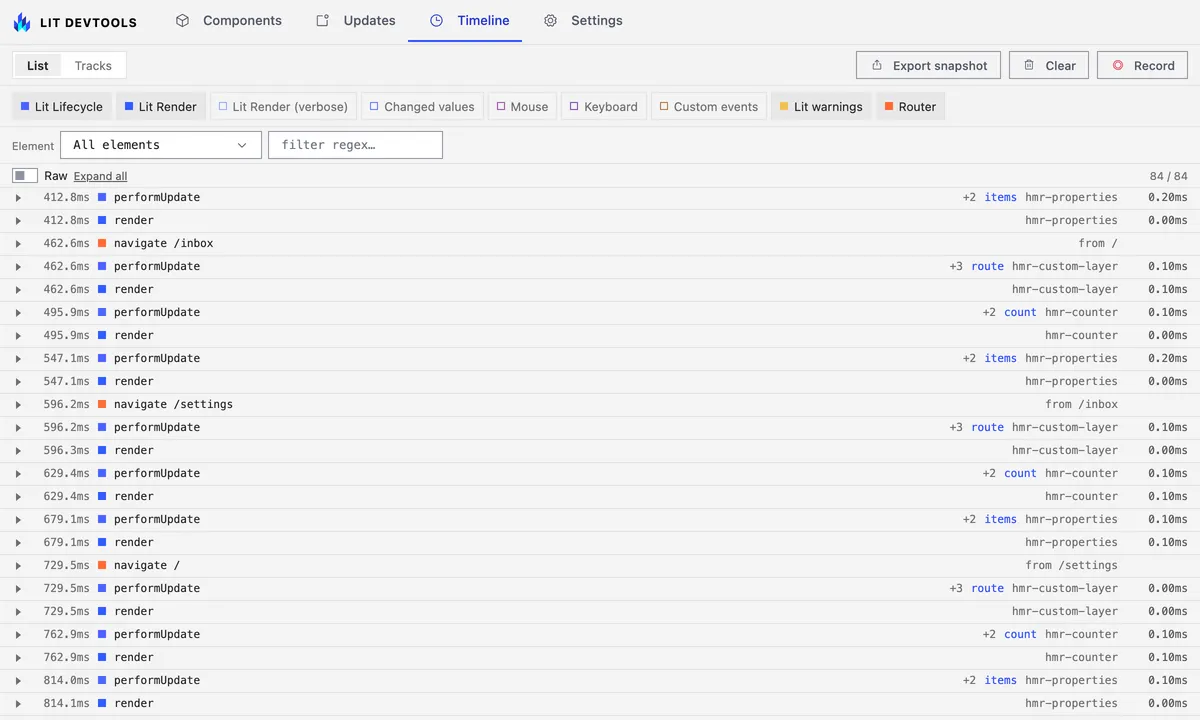
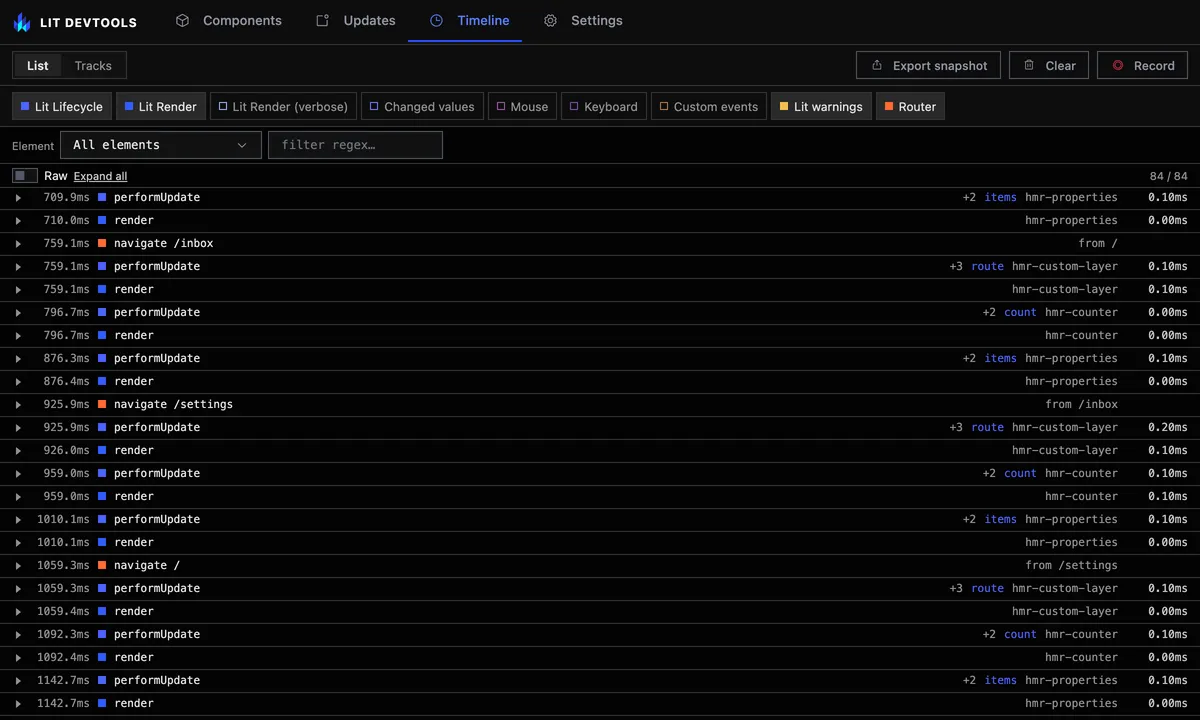
// Register once, at module scope. Duplicate ids are ignored, so a hot patch// that re-runs this module is harmless.addTimelineLayer({id: 'app-router', label: 'Router', color: 0xff6b35});
const routes = ['/', '/inbox', '/settings'] as const;
/** * Emits its own events on a custom timeline layer, so app-level navigation * lines up against Lit's lifecycle rows on the same time axis. */@customElement('hmr-custom-layer')export class HmrCustomLayer extends LitElement {  static override styles = css`    nav {      display: flex;      gap: 0.5rem;    }    button[aria-current='page'] {      font-weight: bold;    }  `;
  @state()  private route: (typeof routes)[number] = '/';
  override render() {    return html`      <h2>Custom layer</h2>      <nav>        ${routes.map(          (route) => html`            <button              aria-current=${route === this.route ? 'page' : 'false'}              @click=${() => this.navigate(route)}            >              ${route}            </button>          `        )}      </nav>      <p>Current route: <code>${this.route}</code></p>    `;  }
  private navigate(to: (typeof routes)[number]) {    const from = this.route;    this.route = to;    addTimelineEvent({      layerId: 'app-router',      time: performance.now(),      title: `navigate ${to}`,      subtitle: `from ${from}`,      data: {from, to},    });  }}
color is a number, not a CSS string: 0xff6b35 rather than '#ff6b35'.
A layer registered before the panel or an agent connects is still there once it does. The dev server keeps registered layers in its session state instead of relaying them to whoever happens to be listening.
Emit events
Section titled “Emit events”addTimelineEvent takes the layer id, a time, and whatever you want the
event’s detail pane to show. The time is a performance.now() value, or leave
it out to stamp the event as you add it; either way it lands on the Timeline
next to the Lit updates that happened at the same moment. data is
serialized, so keep it to plain values.
Custom events have no start and end to pair, so each one is a row of its own in the timeline list, with no update to fold into, and a tick on its layer’s track. Their pill is always on: app code decides whether it emits at all.
Both functions resolve to a no-op stub in any vite build, including a build
with timeline enabled, and in dev when timeline is off. Leave the imports
in component code.
TypeScript picks the virtual module up from
@oddsquad/vite-plugin-lit/client. Add it to types in tsconfig.json, next
to vite/client.